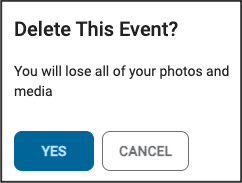
How do I delete an Event?
Updated 2024-06-13
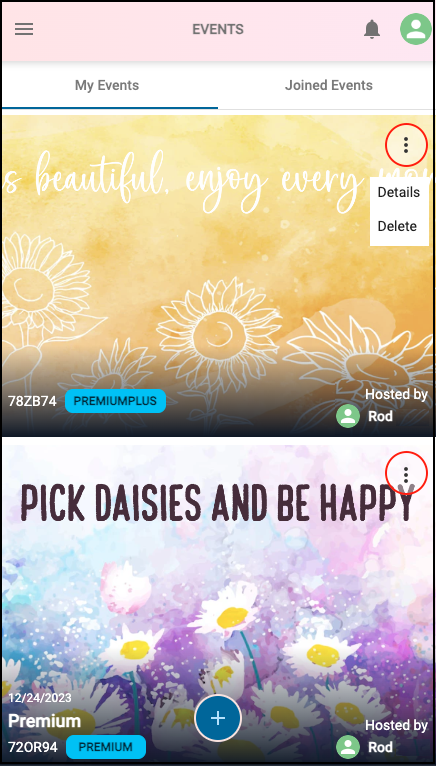
On your Event Details page, click the left-arrow button to access the Events page.

On the Events page, click the 3-dot menu below the header, on the Event you wish to delete. In the popup, click ‘Yes’ to delete the Event, as shown below.
NOTE: Ensure you’ve selected the correct Event to delete. DO NOT click the user icon in the top-right.
In the popup click ‘Yes’ to delete the Event.
NOTE: ALL PHOTOS, MEDIA AND EVENT DATA WILL BE PERMANENTLY DELETED AND CANNOT BE RECOVERED.