How do I purchase a Subscription?
Updated 2024-04-10
If you frequently have multiple events planned, an Account Subscription provides Unlimited Premium Plus Events. An annual Account Subscription is $99.99.
After purchasing a Subscription, all your new Events will be ‘Premium Plus’. Please note, if you have one or more Events already created, they will not automatically be updated. If the Events are already configured, contact us after your purchase, and we will update them to Premium Plus. Contact us at: support@livesharenow.com
- On your Event Details page, click the left arrow in the top left, as shown below.

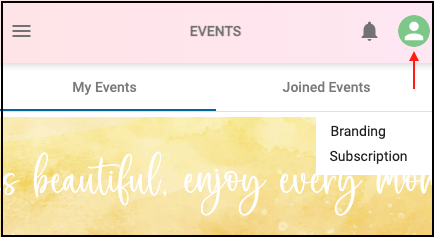
- On the EVENTS page click the user icon in the top-right and select ‘Subscription’.
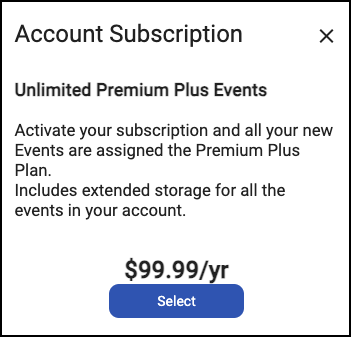
- Then click ‘Select’ to purchase an annual Subscription.
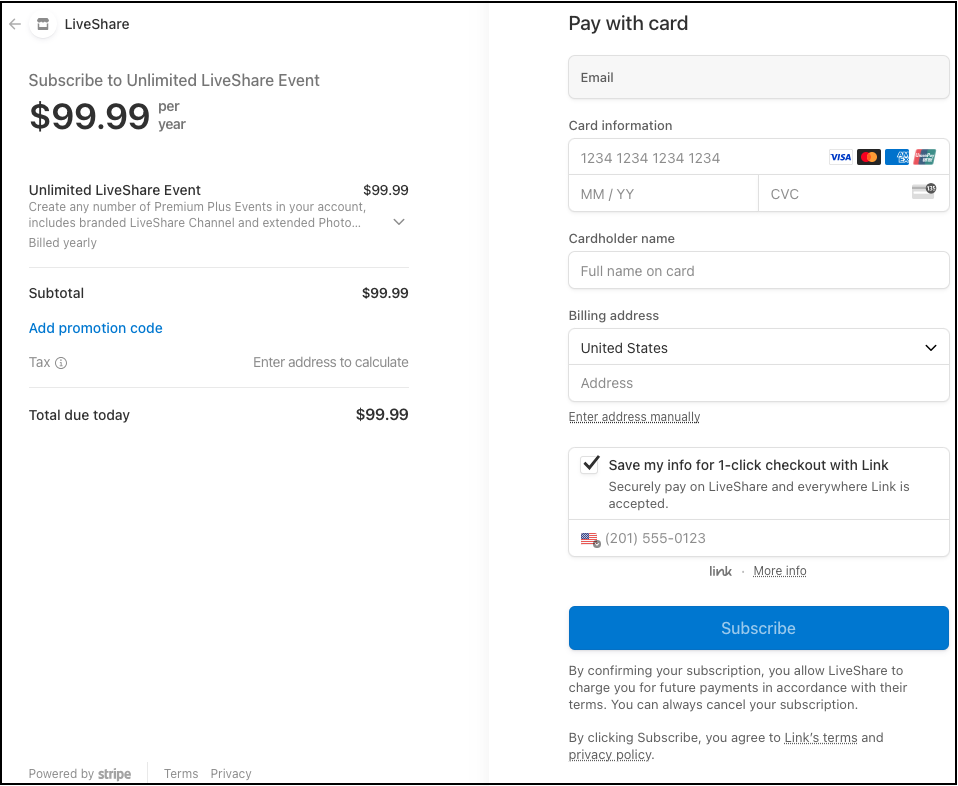
- Then complete all the fields and click ‘Subscribe’.