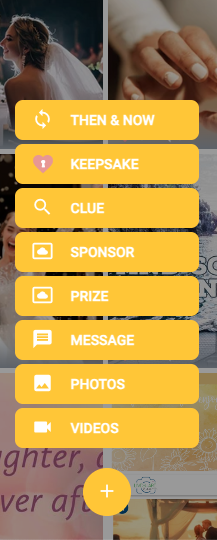
How many types of posts can guests upload?
Updated 2024-08-05
The post buttons guests see depend on the event’s plan and settings.
Trial, Standard and Premium
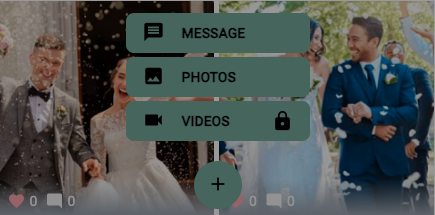
- Photos: the most common post. Guests upload photos from their phone.
- Message: a text-only post, shown with a default photo. The host can hide this button by turning off ‘Enable Message Post’ in the settings, or change the default photos.
- Videos: shown with a lock. Video posts are part of Premium Plus. See Can I upload videos?
Premium Plus
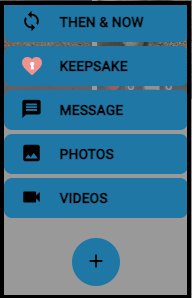
Premium Plus adds Videos, Then & Now and KeepSake posts. The Photos button is always shown; the host can hide the others in the Premium Plus settings.
Scavenger Hunt and Sponsor posts
When a Scavenger Hunt is running, the menu can also show Clue and Prize. Hosts can also add Sponsor posts.