
Guest Menu Options
Updated 2024-04-16
Guest Menu Options:
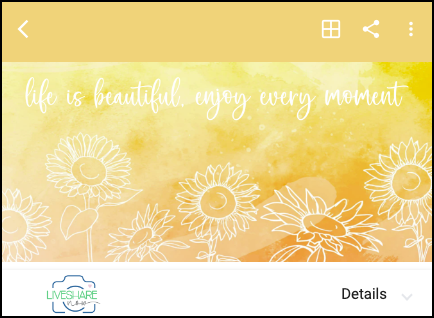
- There are three menu icons in the top right:
- 3dot menu options:
LiveView - Photo Streaming of all uploaded photos
Chatbot - Provides answers for your LiveShare questions
FAQs - Provides more detailed answers for your LiveShare questions
Logout of your LiveShare account
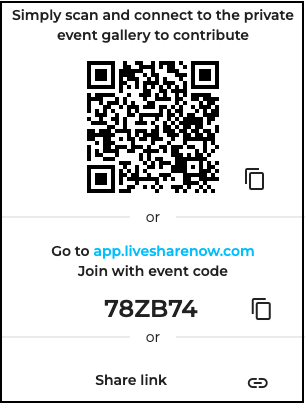
- Share Menu options:
Allows guests to share the LiveShare event with other guests
Other guests can use their mobile camera to scan the QR code
Share the QR or Event code, or the Link with others via text/email
Click the copy or link icons to the right to copy/paste
- View Menu options:
**

**
- Select to view the photos in a 1x1, 2x2 or 3x3 layout
- View Details:
- Click the LiveShare logo in the bottom left, or ‘Details’ to view the Location, Contact and Itinerary information.