
Guest Sign-In Options
Updated 2025-06-13
All guests can directly access a LiveShare Event, using a QR code or link.
When a guest first uploads a photo, the following menu is displayed:
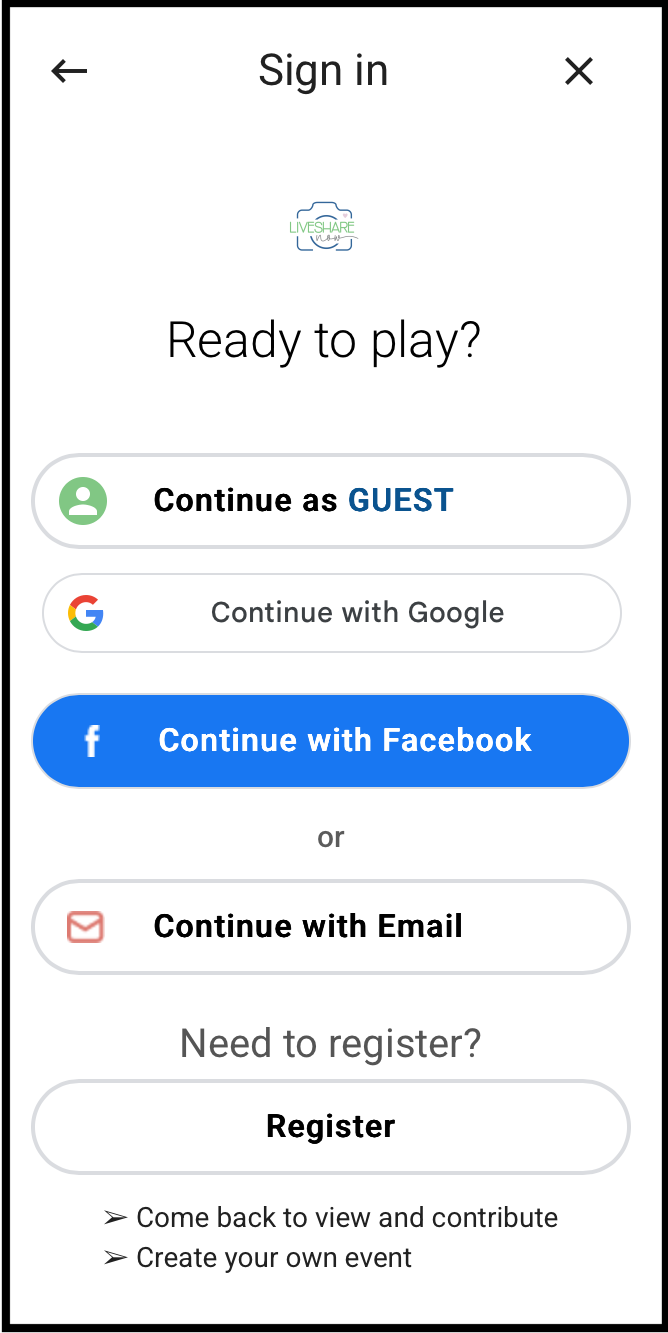
Options:
Continue as Guest
This option allows you to upload without an account. No entry is required. Enter a name or nickname so others can view who uploaded photos. See FAQ.
- Continue with Google
Allows you to quickly login using your Gmail account.
- Continue with Facebook
Allows you to quickly login using your Facebook account.
- Continue with Email
Allows you to quickly login using your LiveShare account.
- Register
Create a LiveShare account with your email and a password.
If you are playing in a Scavenger Hunt, register to receive Prize updates!