
Do all guests need to login to upload photos?
Updated 2024-04-16
No. Whether guests need to log in depends on the event’s plan.
All guests with access to an event can view its photos without logging in.
Trial and Standard plans
- Guests must create a free LiveShare account and log in to upload.
- Guests can create an account at app.livesharenow.com/create. See How do I create a free LiveShare Account?
- On a Standard event, the host can put that link on a Button Link to make it easy to find.
- The ‘Continue as Guest’ option is not shown on these plans.
Premium and Premium Plus plans
- Guests do not need to log in to upload.
- The first time a guest uploads, a window asks them to tap Continue as Guest and enter a name. This is not a login: any name or nickname works, and it labels that guest’s uploads.
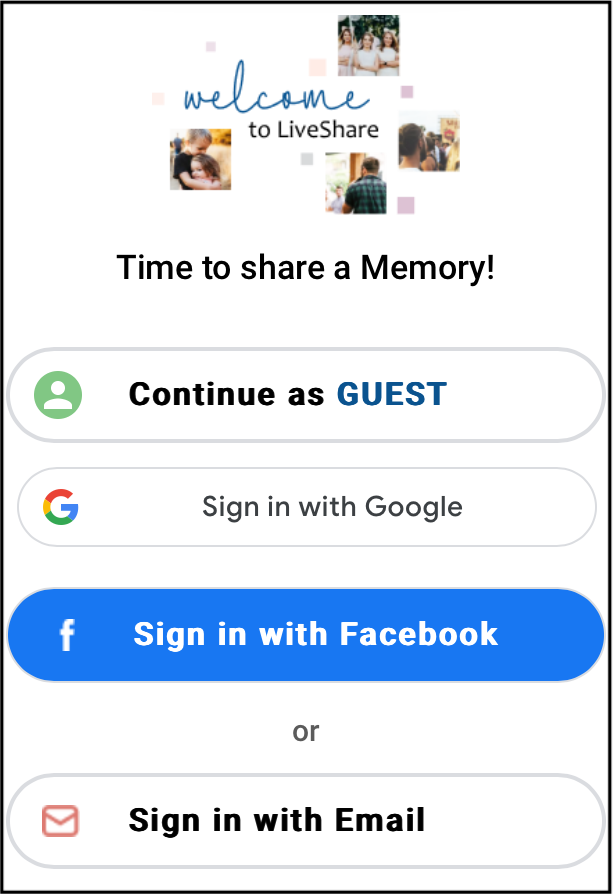
- See Why do guests click on ‘Continue as Guest’ and enter a name?
- A host can still require guests to log in by turning off ‘Allow posting without login’ in the Premium settings.