Customize the Event Header Photo
Updated 2024-04-16
When you created your Event, you may have selected one of the default photos for your Event Header Photo. Or you may have clicked on ‘Upload Image’ to upload a custom photo. We’d recommend you add your own Event Header Photo if you haven’t.
To add or update a custom photo click the cogwheel icon at the top of the screen.
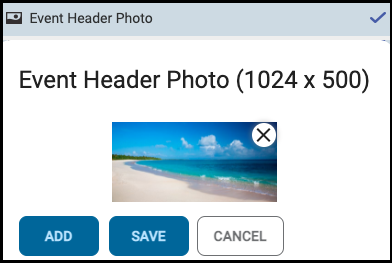
In the settings, click on ‘Event Header Photo’ to enable the setting.
Then click ADD and select a PNG or JPG file to upload, and click SAVE.
Note the photo should be about 1024x500 pixels.